What's Included in a Custom Next.js E-Commerce Build?
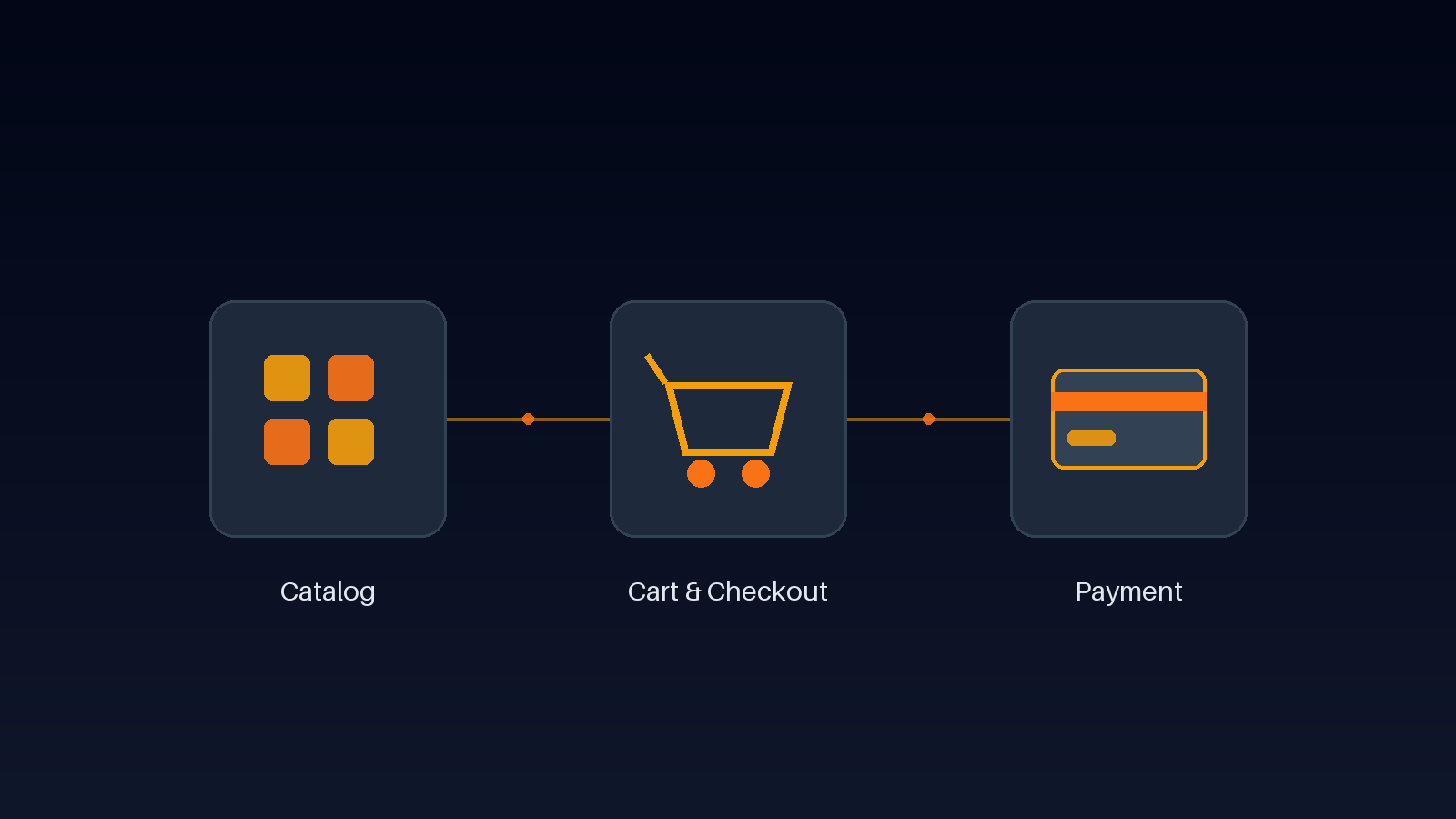
"E-commerce" often gets reduced to a single decision: which platform to launch on. But the platform is only the wrapper. What actually determines whether a store converts, stays fast under load, and survives a payment provider's next API change is the engineering underneath it — how the catalog is structured, how cart state is managed, how checkout handles edge cases, and how payments are wired in. When we scope a custom Next.js e-commerce build, this is the list we actually work through with a client, not a platform comparison slide.
Product Catalog & Search Built to Scale
A catalog isn't just a database table of products — it's the primary way customers navigate a store, so its structure directly affects both conversion and SEO. A custom build lets us model categories, variants (size, color, material), and filters the way the catalog will actually grow, instead of bending real product data to fit a platform's fixed schema. Search needs to handle typos, partial matches, and combined filters without a full reload, and every product page needs its own clean URL plus Product structured data so search engines can show price and availability directly in results. None of this is exotic engineering, but it's the layer most templated stores leave generic — and generic is what makes a catalog forgettable.
Cart and Checkout Engineered Not to Leak Sales
Cart state sounds simple until you account for guest checkout, a user switching devices mid-session, and stock changing between "add to cart" and "place order." A custom build gives control over exactly how cart state persists — client-side for speed, synced to the backend so nothing is lost if a session drops — and lets the checkout flow be as short as the product actually needs, instead of forcing every store through the same fixed number of steps a platform ships with by default. Every extra field or redirect in checkout is a point where a real customer can abandon, which makes this one of the highest-leverage places to control precisely rather than inherit.
Payment Gateway Integration Done Right
Payment integration is where "it works in testing" and "it works in production" turn out to be two different claims. A production-grade integration handles webhook events for asynchronous confirmation, not just the redirect response, builds in retries and idempotency so a network blip doesn't double-charge a customer, and keeps card data out of your own servers entirely by using the gateway's hosted fields or tokenization — which also keeps PCI compliance scope small. Depending on the market, that might mean Stripe, Razorpay, or a regional processor, and a custom build can support more than one gateway without the storefront code caring which one actually processed a given order.
Shipping, Tax, and Multi-Currency Support
Shipping rules, tax calculation, and currency display are rarely one-size-fits-all once a store sells beyond a single region — flat-rate shipping that works for one country can be wrong for another, and tax needs to be calculated correctly at checkout, not estimated after the fact. A custom build lets shipping zones, tax rules, and currency formatting be modeled against how the business actually operates and where its customers actually are, rather than adapted around whatever a platform's default settings assume.
Real-Time Inventory That Matches What's Actually in Stock
Nothing erodes trust faster than a confirmed order for an item that was already out of stock. A custom build ties the storefront directly to real-time inventory data, so stock counts, low-stock warnings, and sold-out states reflect the actual current state, not a cached snapshot that quietly drifts over the course of a sale. This matters even more during high-traffic moments — a flash sale or a restock announcement — when inventory can change every few seconds and a stale count turns into a cancelled order and a frustrated customer.
Order Management After the Purchase
Checkout isn't the finish line. Order confirmation emails, order history for returning customers, and a clean path for refunds or exchanges are part of the same system, not an afterthought bolted on later. A custom build treats order status as a first-class piece of data from checkout onward, so a customer can see exactly where an order stands and a business can look up any order without digging through a payment gateway's dashboard for details a growing e-commerce operation needs to check daily.
Performance and SEO for Every Product Page
A slow product page loses sales directly, and a slow catalog loses organic traffic before a customer ever arrives — we've covered why sub-second load times matter elsewhere on this blog, and it applies just as much to a storefront as to any other page type. In practice, that means server-rendering or statically generating product pages where possible, optimizing product imagery instead of serving full-resolution uploads straight from a supplier, and making sure Core Web Vitals hold up on category pages rendering dozens of products at once, not just on the homepage.
This is the same list we worked through building GenFashion, an AI-powered e-commerce experience with virtual try-on — the catalog, cart, and checkout had to hold up under the same scrutiny before the AI feature ever mattered. If you're scoping a custom e-commerce build and want to see how these pieces fit together for your product catalog, our Services page breaks down what's included, or reach out through Contact to talk through the specifics of your store.
Frequently Asked Questions
Let’s Build Something Great Together
Transform your ideas into a powerful online experience with high-performance web engineering and seamless migrations.