Flutter vs. Native: Choosing a Mobile App Stack in 2026
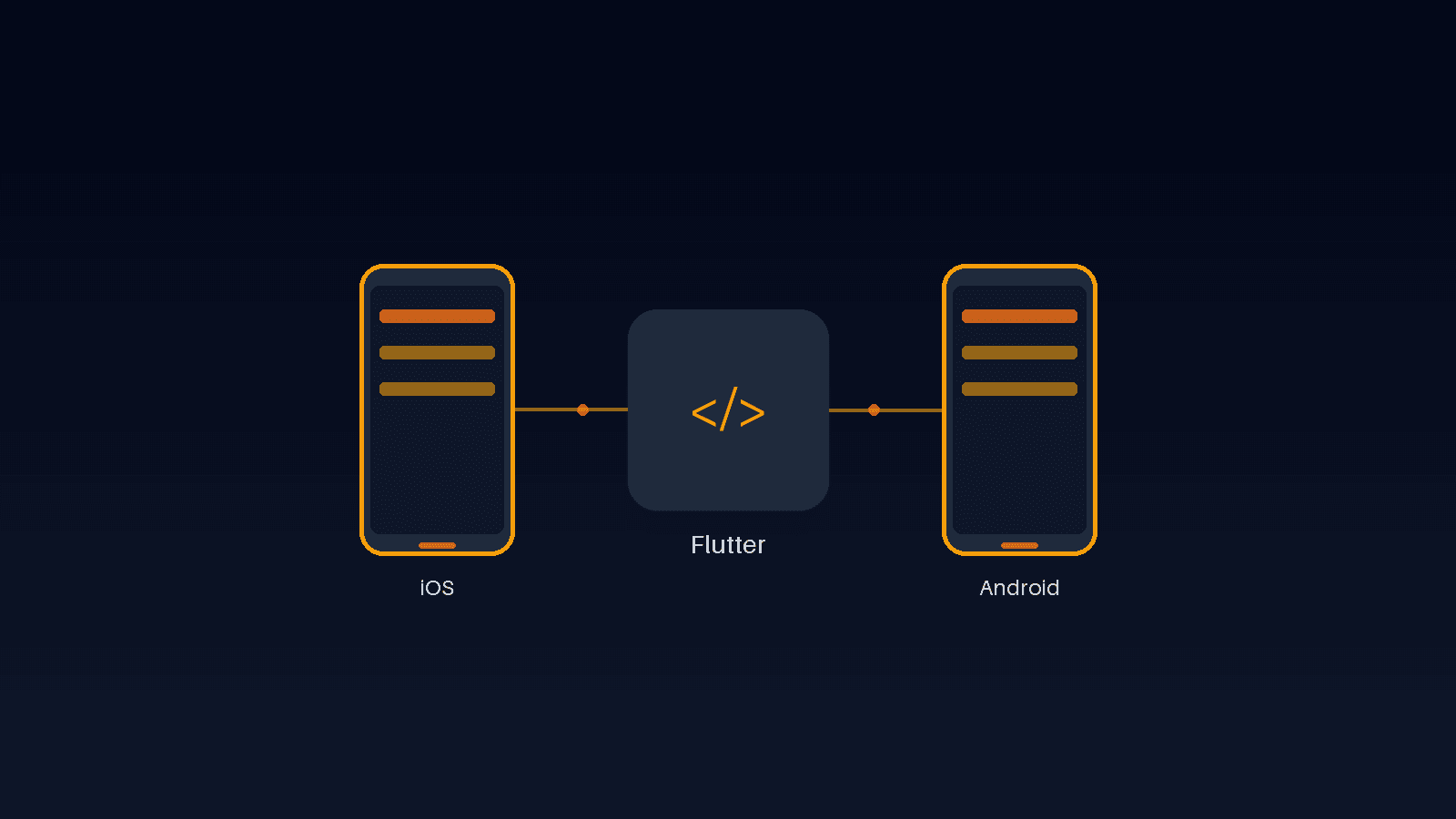
Every business building its first mobile app runs into the same fork: write it natively in Swift and Kotlin as two separate codebases, or build once in Flutter and ship to both iOS and Android from a single source. The honest answer depends on what the app actually needs to do, not on which option sounds more "proper" — and the trade-offs are more specific than a generic "native is faster, Flutter is cheaper" summary usually lets on.
What "Native" Actually Means, and What It Costs
Native development means two separate apps: one written in Swift for iOS, one in Kotlin for Android, each with its own UI code, its own bugs, and its own release cycle. Every feature gets built twice and tested twice, by developers who need platform-specific expertise in both ecosystems. That buys direct, first-day access to every platform API the moment it ships, which matters for a narrow set of apps — but for most business apps, that access goes unused while the cost of maintaining two codebases doesn't.
What Flutter Gives You From One Codebase
Flutter compiles a single Dart codebase to native ARM code on both platforms, rather than running through a JavaScript bridge the way some older cross-platform frameworks do — which is why it doesn't carry the performance penalty those frameworks became known for. One codebase means one set of business logic to test, one release process to manage, and feature parity between iOS and Android by default, instead of Android quietly lagging behind an iOS-first roadmap because it's a separate build with separate priorities.
Where Performance Actually Differs (and Where It Doesn't)
For the vast majority of business apps — forms, lists, dashboards, content, checkout flows — a well-built Flutter app is indistinguishable from native in day-to-day use, because Flutter renders its own UI directly rather than wrapping platform widgets. The gap that still exists is narrow: apps doing heavy real-time graphics, complex AR, or very low-latency hardware integration can still favor native. That's a small slice of what most businesses are actually building, which is why the "Flutter is slower" objection is outdated for the apps it gets raised against most often.
Native Features Flutter Still Reaches Cleanly
Camera access, push notifications, biometric login, deep links, background location — the features that used to be the strongest argument for native are available to Flutter through official and community plugins that wrap the same underlying platform APIs a native app would call directly. For the rare case where a plugin doesn't cover something, Flutter supports writing a thin native module for just that one feature, without abandoning the shared codebase for everything else around it.
One UI That Still Feels Right on Both Platforms
A common worry is that a shared codebase means a generic app that feels wrong on both platforms. Flutter's widget system includes both Material widgets (Android's design language) and Cupertino widgets (iOS's), so the same feature can be built to look and behave like a native iOS control on iOS and a native Android control on Android, from the same underlying logic. The design work still needs to happen deliberately — a shared codebase doesn't excuse a lazy one-size-fits-all interface — but it doesn't force one either.
When Native Is Still the Right Call
Flutter isn't the right default for every app. A game engine, an app built almost entirely around a platform-specific SDK (certain AR/VR toolkits, some payment hardware integrations), or a team that already has deep native expertise and no cross-platform need can have good reasons to stay native. The decision should follow what the app actually requires, not a blanket rule in either direction — which is exactly why this gets scoped per project rather than answered the same way for every client.
Backing a Flutter App With a Real Backend
A mobile app is only as good as what it talks to. We typically pair a Flutter app with a Supabase backend for the same reasons we do on the web side — authentication, a real Postgres database, row-level security, and real-time data sync, so the mobile app and any companion web dashboard share one consistent data layer instead of two systems that can drift out of sync with each other.
Shipping Updates Without Two Separate Release Cycles
Every app update still goes through App Store and Play Store review, regardless of which stack built it — Flutter doesn't skip that. What it does change is how many times a team goes through that process per feature: one submission per platform per release, from one codebase, instead of coordinating two separate teams to ship the same feature in the same window. For a business that updates its app regularly, that difference shows up every release, not just at launch.
What This Actually Costs Versus Two Native Apps
The real-world comparison isn't Flutter versus "free" — it's one team building and maintaining one codebase versus two teams (or one team context-switching) building and maintaining two. That difference compounds every time a feature ships, since a native shop pays for it twice while a Flutter build pays for it once and gets both platforms updated together, on the same release.
We build production Flutter apps backed by Next.js and Supabase, drawing on real client delivery experience across different industries, alongside our own apps currently in development on the same stack. If you're scoping a mobile app and want a straight answer on whether Flutter fits what you're building — rather than a default recommendation regardless of the project — our Services page covers what's included, or reach out through Contact to talk through your specific app.
Frequently Asked Questions
Let’s Build Something Great Together
Transform your ideas into a powerful online experience with high-performance web engineering and seamless migrations.