Shopify to Headless Migration: A Practical Checklist
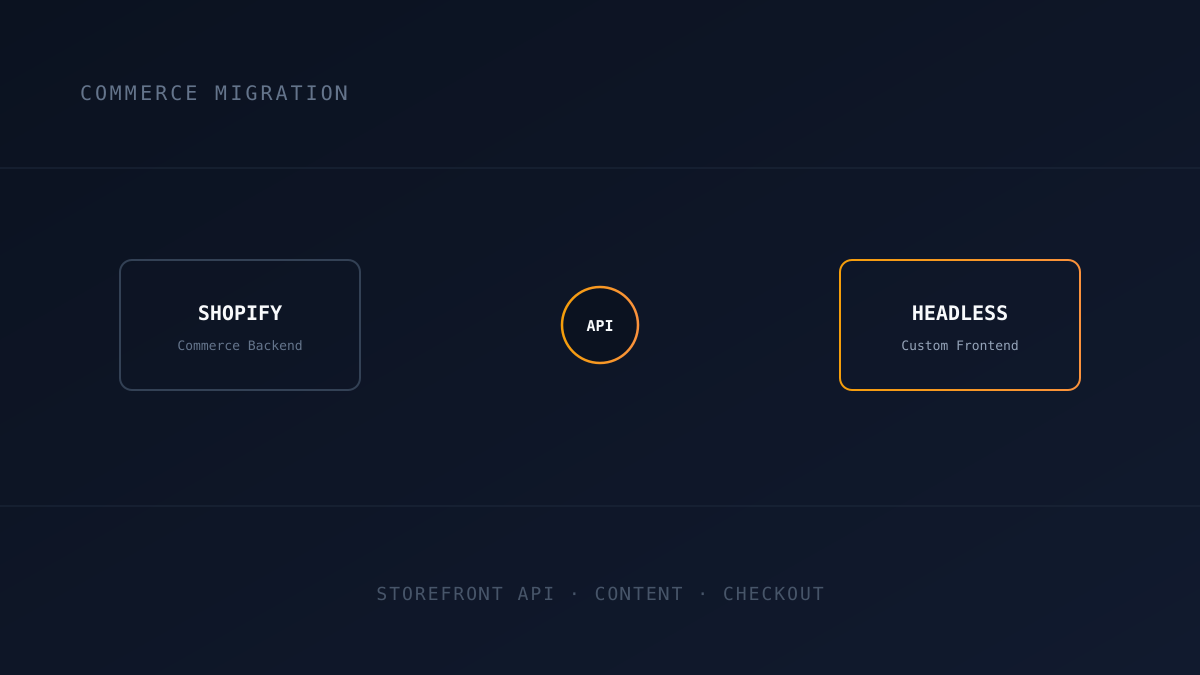
Standard Shopify themes are easy to launch with, but they cap how fast and how customized your storefront can get. A headless migration keeps Shopify as the commerce backend while replacing the theme layer with a custom frontend, and it is a very different project than a typical platform migration, both in what moves and in what has to keep working after launch, not just on launch day.
Decide What Stays on Shopify and What Doesn't
Checkout, inventory, and order management almost always stay on Shopify, using its Storefront API rather than its theme rendering. Content, page layout, and custom logic move to the new frontend. Getting this split wrong, usually by trying to rebuild checkout from scratch, is the most common way these projects blow their budget — Shopify's checkout carries PCI compliance, fraud protection, and payment gateway integrations that took years to harden, and reproducing that from scratch is rarely worth the engineering cost it looks like it might save.
Migrate Product and Content Data Through the API, Not by Hand
Products, collections, and blog content should be pulled through Shopify's Storefront and Admin APIs into the new frontend's data layer, not manually re-entered. Manual re-entry is where SKUs, variants, and SEO metadata quietly go missing. The harder part is usually metafields and app blocks: a lot of what a Shopify theme renders — size guides, related-product logic, custom badges, bundle configurations — lives in metafields or is injected by a theme app, not in the base product data. None of that maps automatically to a headless frontend; each one needs to be inventoried and either pulled through the Admin API or rebuilt as a genuine feature in the new stack, the same audit discipline a plugin-dependent WordPress migration needs.
Preserve URLs and SEO Signals During the Switch
A headless frontend can easily end up with a different URL structure than the original theme, especially around collection and pagination URLs, which Shopify themes often generate in ways a custom frontend won't replicate by default. Every existing product, collection, and blog URL needs a mapped equivalent, or a 301 redirect to one, built from a real export of indexed URLs rather than assumed from the current catalog. Title tags, meta descriptions, and structured data (product schema, review schema) also need to be rebuilt in the new frontend's metadata layer — Shopify generates a lot of this automatically from theme settings, and a headless build starts from zero unless it's explicitly replicated.
Headless Isn't Automatically Fast
Moving off a bloated Shopify theme is usually the whole reason for going headless, but a poorly built headless frontend can end up just as slow, or slower, if product and collection pages are rendered client-side on every request instead of using static generation or ISR with a sensible revalidation window. The pages that matter most for both users and search rankings, product and collection pages, should be pre-rendered and only invalidated when the underlying Shopify data actually changes, not re-fetched from the API on every visit. Getting this wrong is how a technically impressive headless rebuild ships with a worse Core Web Vitals score than the theme it replaced.
Staying in Sync After Launch Isn't a One-Time Migration Step
Unlike a typical content migration, a Shopify catalog keeps changing after launch: prices update, inventory sells out, new products get added directly in the Shopify admin by someone who has never seen the new frontend's codebase. If the new frontend only fetches product data at build time, none of that shows up until the next full rebuild, which is how a headless storefront ends up quietly selling a product that's actually out of stock, or showing yesterday's price. The fix is wiring Shopify's webhooks (product update, inventory update, order create) to trigger on-demand revalidation of just the affected pages, so the storefront reflects Shopify admin changes within seconds, not at the next scheduled deploy.
Third-Party Apps Need Their Own Migration Plan
Shopify's app ecosystem — reviews, loyalty programs, upsell widgets, live chat, size-guide tools — mostly works by injecting Liquid snippets and JavaScript directly into theme files. None of that exists in a headless frontend, which has no theme files for an app to hook into. Each app in active use needs to be inventoried the same way a plugin audit works for WordPress: identify what it does, check whether it has a headless-compatible API or embeddable widget, and either integrate that or budget for a custom-built replacement. This is consistently the most underestimated line item in a headless migration's scope, because the apps are invisible in a design review and only show up missing after launch.
Test Checkout and Cart Behavior Exhaustively Before Launch
Because checkout typically still routes through Shopify while everything else is custom, cart state, currency handling, discount codes, and any custom shipping logic need real end-to-end testing across the new frontend and Shopify's checkout, not just a visual review of the new pages. Run actual test orders through every discount code, shipping method, and currency the store supports before launch, not after the first real customer hits an edge case the design review missed.
If you're evaluating a move to headless commerce, our Pricing page outlines what a migration engagement includes, or reach out through our Contact page for a free technical assessment.
Frequently Asked Questions
Let’s Build Something Great Together
Transform your ideas into a powerful online experience with high-performance web engineering and seamless migrations.