The Complete Technical SEO Checklist for a Platform Migration
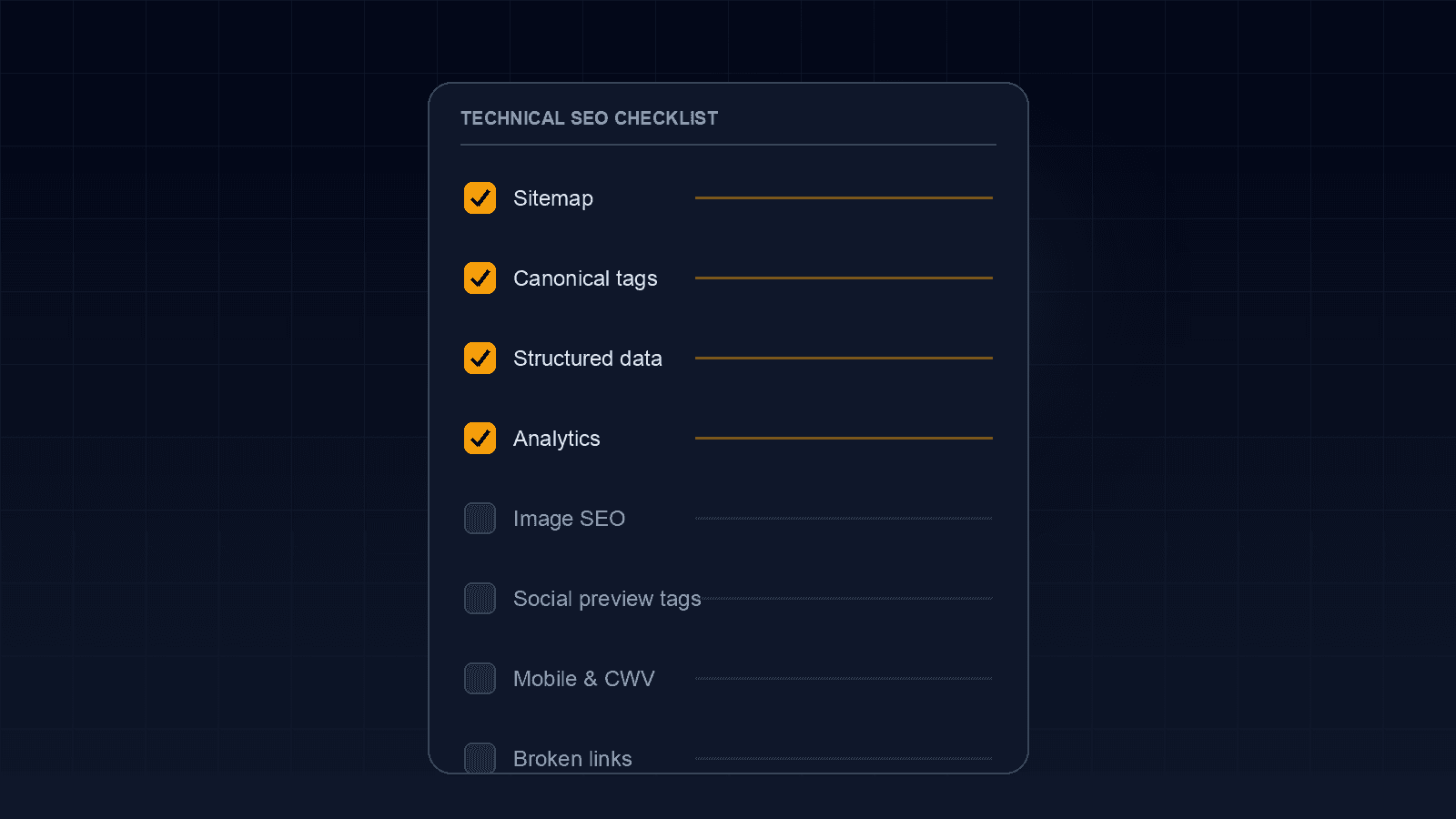
A platform migration lives or dies on redirects and rankings preservation, and we've covered that ground in depth elsewhere. But redirects are only one slice of the technical SEO surface a migration touches. Sitemaps, canonical tags, structured data, analytics, and image paths each have their own failure modes, and each one is easy to assume is "someone else's job" until launch day arrives and nothing was actually checked. This is the broader checklist to run alongside your redirect map, not instead of it.
Regenerate and Resubmit the XML Sitemap
The old site's sitemap describes the old URL structure, so it needs to be fully regenerated against the new site before launch, not edited in place. Submit the new sitemap in Search Console immediately after launch rather than waiting for Google to discover it organically, since a fresh submission is what triggers a faster recrawl of the new URL structure. If the new site splits content across multiple sitemaps (posts, products, images), each one needs its own submission, not just the sitemap index file.
Audit Canonical Tags for Every Page Type
Canonical tags are easy to get right on a handful of spot-checked pages and wrong everywhere else, because most CMS platforms generate them programmatically per template, not per page. Confirm the canonical tag on every page type, home, category, product, blog post, points to the new domain and the new URL pattern, not a leftover reference to the old site. Also check for URL parameter variations, tracking parameters, sort orders, session IDs, that can quietly create duplicate indexable versions of the same page if the canonical isn't set to self-reference the clean URL.
Verify Structured Data Coverage Across Every Template
It's common to migrate the schema markup on a handful of "important" pages and miss it everywhere else, because structured data isn't visually apparent the way a broken layout is. Audit every page template, not just the homepage, for the schema types the old site actually used: Article, Product, FAQ, Review, Organization, Breadcrumb. A rich result Google was showing for a product or article page will quietly disappear in search results if the equivalent schema isn't live on the new template before launch, and re-earning it later isn't guaranteed.
Confirm Analytics and Conversion Tracking Actually Fire
A broken analytics setup doesn't break the site for visitors, so it's one of the easiest things to miss during launch QA, and one of the most costly, since it blinds you to exactly the traffic and ranking data you need to monitor recovery. Confirm the GA4 or GTM container ID matches the old property, and that conversion events and goals were recreated, not just assumed to carry over automatically. Test at least one full conversion flow live on the new site before considering launch complete.
Don't Let Image Search Traffic Get Lost
Images that ranked in Google Image Search have their own URLs, and a migration that changes image file paths without a redirect plan loses that traffic the same way a page-level 404 does. Carry over descriptive alt text and filenames where possible, and if paths must change, extend the redirect map to cover image URLs specifically, not just page URLs.
Confirm Social Preview Tags Still Generate Correctly
Open Graph and Twitter Card meta tags control how a link looks when shared on social media or messaging apps, and they're easy to overlook because they don't affect rankings directly, only how a shared link looks after the fact. A migration that changes templates can silently drop the og:image tag or point it at a broken path, and the first sign is usually a message asking why a shared link looks broken, not something caught on a checklist. Test a real production URL for each major page type with a social preview debugger before assuming the new templates carried this over correctly.
Check Mobile Rendering and Core Web Vitals Within the First Week
QA often happens primarily on desktop, but Google indexes primarily off the mobile version of a site. Confirm mobile rendering separately, and run a PageSpeed Insights check within the first week live, comparing it against the old site's baseline if you have one. Catching a Core Web Vitals regression in week one is a fast fix; catching it after rankings have already softened is a much slower recovery.
Run an Active Broken-Link Audit After Launch
Watching Search Console's crawl stats tells you Google is finding problems; it doesn't tell you where they are as fast as crawling the site yourself does. Within the first few days of launch, run the new site through a crawler and look specifically for internal 404s and broken links the redirect map missed, rather than waiting for Search Console to surface them over the following weeks.
Confirm the New Site Isn't Serving Mixed HTTP/HTTPS Content
A migration to a new host or CMS sometimes reintroduces HTTP resource references, images, scripts, embedded fonts, that were previously served over HTTPS, triggering mixed-content warnings in the browser. Beyond the visible warning icon, this can affect how much a browser trusts the page and, in some cases, whether a resource loads at all if the browser blocks the insecure request outright. Confirm the SSL certificate is valid on the new domain or subdomain, and scan a few key page types for mixed-content warnings in the browser console before calling the migration complete.
None of these items replace a solid redirect map, they run alongside it. If you're planning a migration and want the full technical surface audited before launch, not just the redirect list, our Services page covers how we structure that review, or reach out through Contact to talk through your specific platform.
Frequently Asked Questions
Let’s Build Something Great Together
Transform your ideas into a powerful online experience with high-performance web engineering and seamless migrations.