Zero-Downtime Website Migrations: A Technical Blueprint for High-Traffic Brands
Migrating a live website is often compared to changing an engine mid-flight, a broken redirect, an expired SSL certificate, or a few minutes of unplanned downtime can cost real revenue and hard-won search rankings. That risk is exactly why many businesses put off a platform migration for years, even once the platform they are on is clearly holding them back. For a high-traffic brand the stakes are higher still: a redirect gap or a slow first response after cutover isn't a handful of visitors, it's a spike in support tickets and a dent in a week's worth of conversion numbers.
At Portage Now, based in Greater Noida, Uttar Pradesh, every migration runs through the same structured process we use for every project, adapted specifically to protect uptime, data integrity, and SEO equity during the switch.
1. Discovery & Technical Audit
Before any code changes, we map your current site architecture, content inventory, and every indexed URL — pulled from Google Search Console and a full crawl, not guessed from the sitemap, which is often stale. That audit also captures the things a launch checklist misses if they aren't written down early: current SSL certificate expiry dates, every DNS record in use, every third-party integration wired into the header or theme, and a Core Web Vitals baseline so "the new site is faster" is a measured claim, not an assumption. This becomes the baseline for redirect mapping later, and for the success metrics we hold ourselves to, starting with a hard rule of zero unplanned downtime.
2. Architecture & Design System
The new environment is built as a scalable, tested design system rather than a one-off rebuild, and validated against performance and accessibility standards before a single page of production content is touched. Performance and accessibility budgets are set as gates at this stage, not aspirations to check at the end — a page that fails its Core Web Vitals or WCAG target doesn't move forward until it's fixed, because catching that after content migration is underway is far more expensive than catching it here.
3. Development & Content Migration
Content, media, and data move into the new stack alongside a full redirect map from every legacy URL to its new equivalent, so inbound links and search rankings carry over instead of resetting to zero. Every redirect is a real 301, not a 302 that tells search engines the move is temporary, and the map is checked for redirect chains — a URL that hops through two or three redirects before landing, which dilutes the SEO equity a clean single-hop redirect preserves. The new environment runs in parallel with the live site throughout this phase — a blue-green setup where the new build is fully deployed and reachable at a staging URL while the old site keeps serving real traffic, so there's never a moment where the only working version of the site is mid-migration.
Pre-launch verification isn't a spot check
Before cutover gets scheduled, every page from the audit's URL inventory is checked against the new environment for three things: does the page load, does its content match the migrated source, and does its corresponding redirect actually resolve to the right destination. For a marketing site of a few dozen pages, that's a manageable manual pass; for a high-traffic brand with hundreds or thousands of indexed URLs, it has to be scripted. A checklist that says "spot-checked" instead of "every URL confirmed" is where the small number of quietly broken pages after a migration usually come from, and they're the ones a customer finds before your own team does.
Keeping live data in sync until the moment of cutover
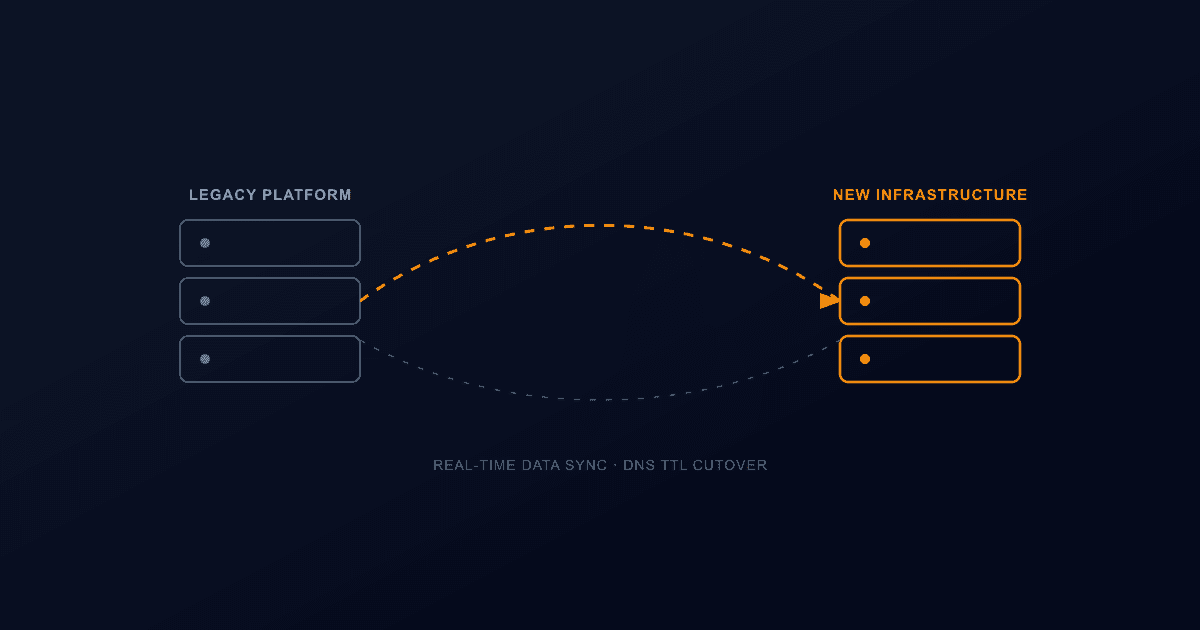
For a marketing site this phase is straightforward, but for a high-traffic brand with live transactional data — new leads, form submissions, orders, bookings — the old site keeps generating real data for as long as it stays live, and a migration that only migrates a point-in-time snapshot silently loses everything captured after that snapshot was taken. We handle this either with a short, clearly communicated write-freeze window right before cutover, or with a sync mechanism that carries new records from the old system into the new one until the switch is final, chosen based on how much write traffic the site actually sees. Whichever approach fits, it's decided and tested during development, not discovered as a gap during launch week.
Cache warm-up matters more the higher your traffic is
The moment DNS switches over, the new environment's caches are cold — CDN edge caches, database query caches, and image optimization caches all start empty. Without preparation, that can make the "faster" new site respond slower than the old, broken-in site did in the first minutes after cutover, right as a spike in origin traffic is hitting it hardest. We warm the cache by pre-crawling every URL in the audit's inventory against the new environment before cutover, and we schedule the cutover itself during the lowest-traffic window the brand's own analytics show, so any residual cold-cache latency affects the smallest possible slice of visitors instead of a peak-hour audience.
4. Launch & Post-Migration Monitoring
Cutover itself is a DNS event, and DNS is where an otherwise well-built migration most often turns into visible downtime if it isn't planned for. We lower the DNS TTL on the live domain 24–48 hours before cutover so the eventual switch propagates in minutes instead of the default 24-plus hours a stale TTL can take, and the new environment's SSL certificate is provisioned and verified before that switch happens, not requested after traffic starts arriving. Once DNS points to the new environment, we watch error rates and response times in real time against a defined threshold — if 4xx/5xx rates spike past what's normal, DNS reverts to the old environment immediately rather than leaving a broken site live while the team investigates. That rollback path is planned and tested before cutover, not improvised if something goes wrong; a zero-downtime process is only as credible as its ability to undo a bad cutover as fast as it made it. Search engines are resubmitted with the new sitemap once the switch is confirmed stable, and uptime and performance monitoring stays active in the days after launch, so the only thing your visitors notice is that the new site is faster.
If you are weighing a migration and want a straight answer on scope and cost before committing to anything, our Pricing page breaks down what is included, or you can reach out through our Contact page for a free technical audit.
Frequently Asked Questions
Let’s Build Something Great Together
Transform your ideas into a powerful online experience with high-performance web engineering and seamless migrations.